





Last updated: December 17, 2025
Introduction
Trading journals have moved online and now offer detailed analytics. In 2026, a journal that tracks your trades, identifies patterns, and highlights your weaknesses is a must for improving your results. This guide compares the best trading journal apps for iOS, Android, and web.
What you’ll learn:
- How trading journals boost profitability
- Must-have features for 2026
- Top 7 apps compared side-by-side
- Free vs. premium options breakdown
- Which app fits your trading style
What Is a Trading Journal & Why It Matters in 2026
A trading journal records every trade you make. It includes entry and exit prices, your strategy, market conditions, and your mindset during the trade. It serves as both a performance tracker and a learning tool.
Why Traders Need Journals in 2026:
Pattern Recognition: Identify which strategies work in specific market conditions. Most traders don’t realize they’re profitable with trending markets but lose in choppy action—a journal reveals this.
Emotional Trading Awareness: Track when fear or greed influenced your decisions. Data shows traders who journal consistently reduce emotional trading by 40-60%.
Risk Management: Monitor your risk-reward ratios, drawdowns, and win rates. Journals provide alerts before you blow up your account.
Regulatory Compliance: Especially important for funded traders and account holders—many programs require documented trade history.
Competitive Edge: In 2026, markets are more complex and algorithmic trading is common. Traders who review their own behavior have an advantage.
Key Features to Look for in a Trading Journal App
Choosing the right app can improve your trading. Look for these features when comparing apps:
| Feature | Why It Matters | Red Flags |
|---|---|---|
| Real-Time Trade Tracking | 80% of traders check journal on the go; must be fast | App crashes or doesn’t sync in real-time |
| Broker Auto-Import | Saves hours of manual data entry; critical for active traders | Requires manual setup or very limited broker support |
| Advanced Analytics | Identifies patterns with customizable dashboards | Only basic statistics without actionable insights |
| Mobile-First Design | 80% of traders check journal on-the-go; must be fast | Slow, clunky, or desktop-only interface |
| Trade Replay/Market Replay | Relive trades in market context; essential for improvement | Not available or limited to desktop only |
| Customizable Dashboards | See your most important metrics at a glance | Rigid layout; can’t hide irrelevant data |
| Data Export & Backup | Ensure your data is yours to keep | Data trapped in proprietary formats |
Top Trading Journal Apps for 2026
UltraTrader (iOS, Android, Web) | Automated Trade Sync & Multi-Broker Tracking
Overview:
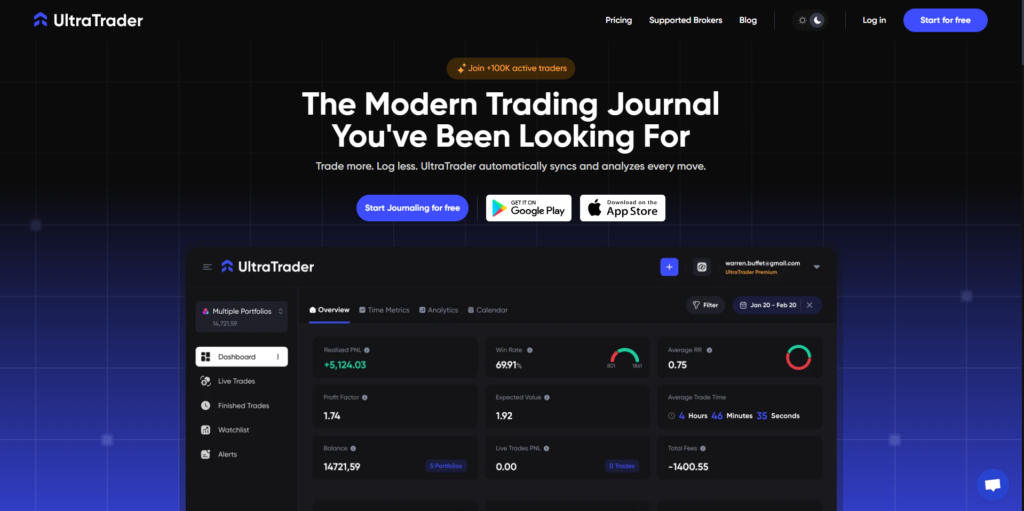
UltraTrader syncs trades from your broker with one click. It focuses on automated trade journaling and has a simple interface.
Key Features:
- Automatic broker sync (under 60 seconds) — Pro only
- Live position tracking across multiple brokers
- Performance analytics with no limits (win rate, risk-reward ratio, profit factor)
- Calendar heatmap showing performance patterns
- Tag & template system to identify repeating setups
- TradingView chart integration
- Clean, minimal dashboard design
- Full analytics access on the Free plan
Pricing:
- Free: Complete trade tracking, full analytics (manual entry only)
- Pro: $12.99/month for yearly payment (auto-sync from brokers, file import)
Pros:
- Fastest broker sync on the market
- Most affordable Pro tier
- Full analytics on Free plan (no hidden limitations)
- Excellent mobile UX with minimal learning curve
- Multi-broker tracking in a unified dashboard
- Strong iOS & Android apps
- No feature paywalls for core functionality
Cons:
- Auto-import requires a Pro subscription
- Smaller user community than competitors
- No AI-powered analysis or pattern detection
Best For: Active traders, traders with multiple broker accounts, and those seeking comprehensive analytics at no cost.
Verdict: Good choice for traders who want speed, automation, low cost, and full analytics.
TraderSync (iOS, Android, Web) | AI-Powered Analytics & Market Replay
Overview:
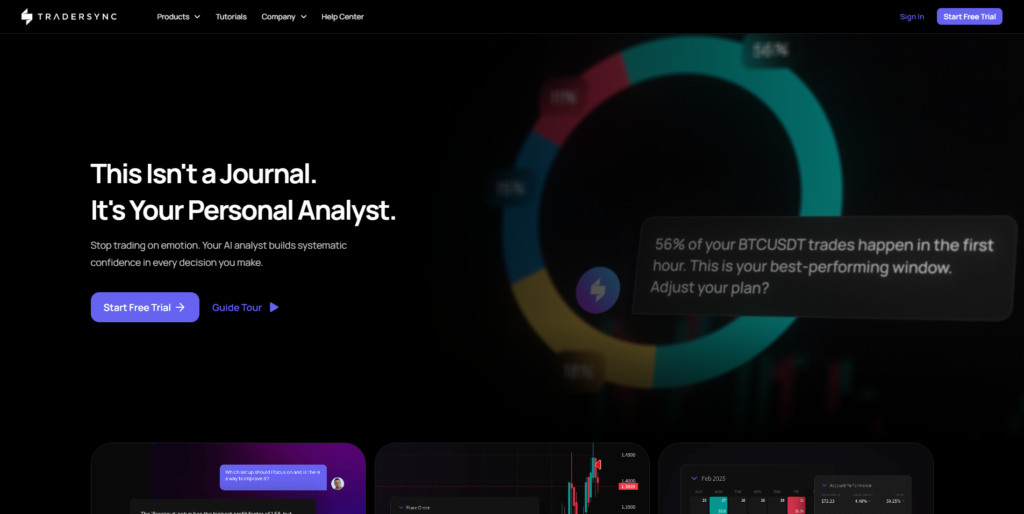
TraderSync connects to over 700 brokers and includes Cypher AI, which analyzes trades, identifies patterns, and flags rule violations. Market replay uses Level II data with 250ms tick accuracy.
Key Features:
- Cypher AI assistant (analyzes patterns, identifies edge)
- Hundreds of broker support (most comprehensive)
- Market replay terminal with Level II data
- Advanced performance dashboards (50+ metrics)
- Trade tagging & filtering by strategy
- Full-featured mobile apps
- Market screeners (gap scanners, volatility scanners)
- Backtesting with watchlist organization
- Discipline tracking (plan adherence alerts)
Pricing:
- Pro: $29.95/month
- Premium: $49.95/month (extended data history)
- Elite: $79.95/month (priority support, advanced features)
Pros:
- Best-in-class broker compatibility (700+)
- Cypher AI finds rule-breaking patterns automatically
- Market replay with Level II is industry-leading
- 250ms tick accuracy for backtesting
- Excellent for strategy validation
Cons:
- Premium pricing ($29.95/month minimum)
- Steeper learning curve than competitors
- Overkill for casual traders
- No free tier
Best For: Serious day traders, options traders, swing traders, and traders focused on AI insights
Verdict: Good for traders who want detailed AI analysis and advanced backtesting and are willing to pay more.
TradesViz (Web, Mobile-Responsive) | Data Visualization & Options Analysis
Overview:
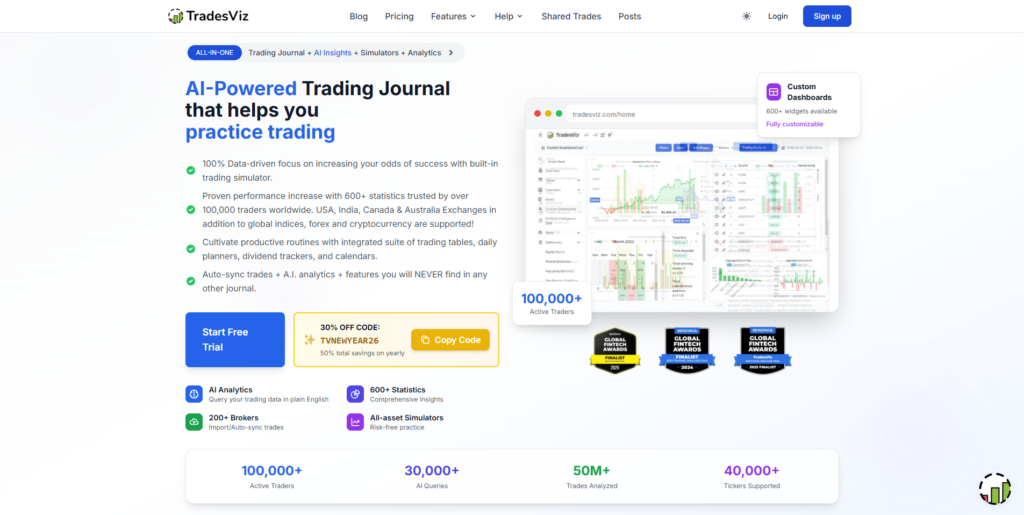
TradesViz has over 600 customizable charts and statistics. The AI Q&A feature lets you ask questions in plain English. It also includes a trading simulator with more than 15,000 tickers and options flow analysis.
Key Features:
- 600+ interactive charts & statistics
- AI Q&A analysis (ask “Show me my worst performing days”)
- Trading simulator (15,000+ tickers, all timeframes)
- Options flow analysis (unusual activity detection)
- Monte Carlo simulations & drawdown analysis
- Backtesting with 50+ technical indicators
- Advanced pivot tables with custom columns
- Custom dashboard widgets
- Dividend tracking
- Multi-leg options strategy builder
- Auto-sync from 200+ brokers
Pricing:
- Free: Basic charts, manual entry, limited analytics
- Pro: $13/month (advanced analytics, simulator)
- Platinum: $20/month (all features)
Pros:
- Best-in-class data visualization
- Exceptional value (Pro tier at $19.99)
- AI Q&A useful for discovering hidden patterns
- Trading simulator with 15+ years of data
- Options flow analysis is unique
- 200+ broker support
Cons:
- Web-only (no native mobile app)
- Can feel overwhelming for beginners
- UI customization has a learning curve
- Limited free tier
Best For: Options traders, data enthusiasts, swing traders, traders building custom strategies
Verdict: Good for traders who want detailed data, backtesting, and strategy optimization.
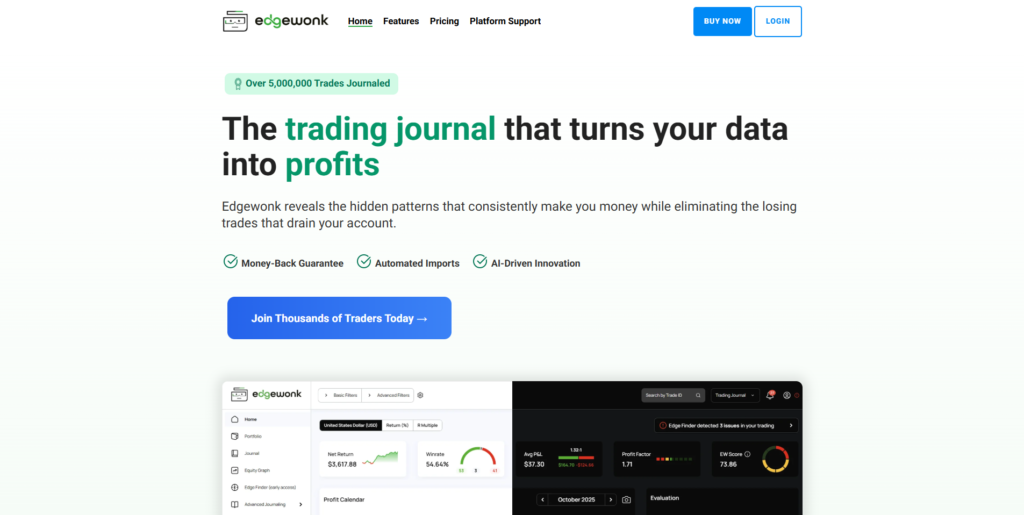
Edgewonk (Web, Mobile-Responsive) | Trading Psychology & Pattern Recognition
Overview:
Edgewonk focuses on behavioral analysis and automatic pattern detection. It shows which setups, times, and market conditions are most profitable. The app aims to reveal your edge without too many extra features.
Key Features:
- Automatic pattern detection (wins, losses, setups)
- Emotional/behavioral tracking
- 200+ broker compatibility
- Session reviews & trade notes
- Win rate & discipline analysis
- Rule-breaking cost analysis
- Cloud access (web + mobile)
- All trading styles supported
- 10+ years of trader community
- Money-back guarantee
Pricing:
- Pro: $169/year (~$14.08/month)
Pros:
- Best-in-class focus on behavioral edge discovery
- Very affordable on an annual plan
- 200+ broker support
- Strong emphasis on discipline & improvement
- 10-year track record with traders
- Money-back guarantee
Cons:
- Fewer features than AI-focused competitors
- Limited backtesting/replay functionality
- Web-first design (mobile is secondary)
Best For: Traders focused on psychology, pattern discovery, and consistency building
Verdict: Good for traders who want to understand and improve their behavioral patterns without extra complexity.
TradeZella (Web, Mobile-Responsive) | Day Trader-Focused Replay & Community
Overview:
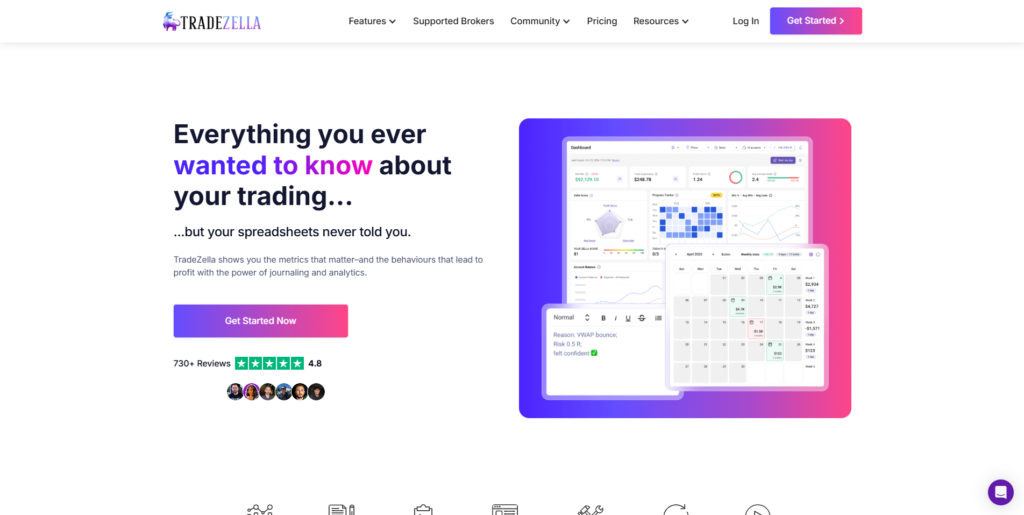
TradeZella is designed for day traders. It offers trade replay, custom templates, strategy analysis, and community learning features.
Key Features:
- Trade replay with historical backtest
- Custom trade templates
- Automated journaling (broker sync)
- Unlimited trading accounts
- Trade analysis & statistics
- Direct backtesting from the journal
- Active trader community
- Webinars & bootcamp series
- Trade sharing (peer feedback)
Pricing:
- Standard: $29/month
- Premium: $49/month
- Community features included across all tiers
Pros:
- Built specifically for day traders
- Excellent trade replay functionality
- Active community with regular webinars
- Custom templates save time on entry
- Strong backtesting integration
Cons:
- More expensive than TradesViz
- Limited free tier
- Fewer broker integrations than TraderSync
Best For: Active day traders, traders focused on trade replay & backtesting
Verdict: Good for active day traders who want strong replay tools and community support.
Stonk Journal (Web, Mobile-Responsive) | Free & Simple Trading Journal
Overview:
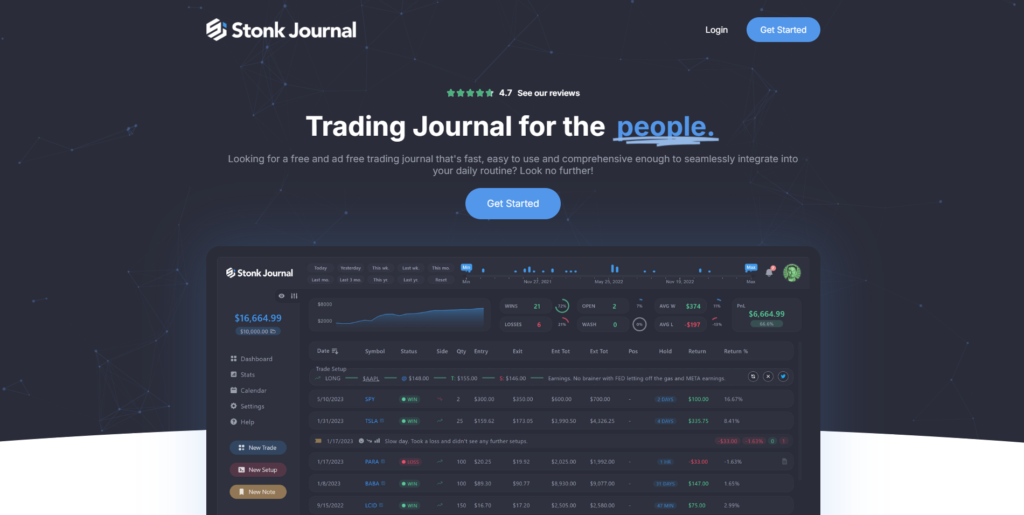
Stonk Journal is free and supported by donations. There are no paywalls or feature limits. The interface is clean and focused on core journaling features.
Key Features:
- Free forever (no premium tier)
- Manual trade entry
- Basic analytics (win rate, PNL, profit factor)
- Setup & strategy tracking
- Confidence level tracking
- Calendar view
- Clean, minimal UI
- No data collection or selling
Pricing:
- Free (donations welcome)
Pros:
- Completely free with no feature limits
- Clean, simple design without bloat
- Privacy-focused (no data collection)
- No ads or aggressive upselling
- Great for learning journaling habits
Cons:
- No auto-import (manual entry only)
- Limited advanced analytics
- Smaller user community
- No AI or replay features
Best For: Beginners, budget-conscious traders, casual investors, traders testing journaling
Verdict: Good free option for traders who are starting out or want to try journaling before paying.
Quick Comparison Table
| App | Platform | Best For | Auto-Import | Brokers | Free Plan | Price |
|---|---|---|---|---|---|---|
| UltraTrader | iOS, Android, Web | Speed & automation | ✓ (Pro) | 50+ | Full analytics | Free / $12.99 |
| TraderSync | iOS, Android, Web | AI & backtesting | ✓ | 700+ | No | $29.95-79.95 |
| TradesViz | Web + Mobile | Data & options | ✓ | 200+ | Limited | Free / $13 |
| Edgewonk | Web | Psychology & patterns | ✓ | 200+ | No | $169/year |
| TradeZella | Web | Day traders | ✓ | Multiple | Limited | $29-49 |
| Stonk Journal | Web | Budget users | ✗ | N/A | Yes | Free |
FAQs: Trading Journal Apps 2026
Q: What’s the best free trading journal app?
A: UltraTrader’s free plan offers full analytics without limitations; only manual entry. Stonk Journal is completely free but more basic. For advanced analytics on a budget, TradesViz offers a generous free plan.
Q: Which app is best for iOS?
A: UltraTrader and TraderSync have the best iOS apps. UltraTrader is faster for quick entry with full analytics on the free plan; TraderSync has more advanced features.
Q: Can I import trades automatically?
A: Most paid apps support auto-import. TraderSync, TradesViz, and Swift Journal offer broad compatibility. UltraTrader offers auto-import on the Pro plan.
Q: Is a trading journal necessary for funded traders?
A: Many funded trading programs require documented trade history, so yes, it is essential for accountability.
Q: What’s the difference between trade replay and market replay?
A: Trade replay shows your specific trade. Market replay shows the entire market at that moment, helping you understand the market context.
Q: How much does a good trading journal cost?
A: Free to $20/month for solid options. Advanced features run $20-50+/month. Best value: UltraTrader Free (full analytics, manual entry) or UltraTrader Pro ($12.99/month with auto-sync).
Q: Does UltraTrader have AI analysis?
A: UltraTrader focuses on automatic trade syncing and core analytics. For AI-driven insights, consider TraderSync or TradesViz.
Q: What if I trade multiple asset classes?
A: TraderSync, TradesViz, and UltraTrader handle diverse trading styles well.
Conclusion: Which Trading Journal App Should You Choose?
The Winner: UltraTrader
UltraTrader is a solid trading journal app for 2026. It is affordable, simple to use, and offers useful analytics. The free plan gives full access to performance stats, dashboards, and heatmaps. Automatic broker syncing or file import is $12.99 per month. Pricing is clear.
For traders seeking alternatives based on specific needs:
- Most comprehensive: TraderSync delivers the deepest analysis with AI, replay, and backtesting (but starts at $29.95/month)
- Best for data lovers: TradesViz provides unmatched visualization and pattern discovery
- Best for psychology: Edgewonk reveals behavioral patterns at the lowest annual cost ($169/year)
- Best for day traders: TradeZella offers focused features and active community support
- Best for forex: Swift Journal has the broadest broker compatibility (950+)
- Best completely free: Stonk Journal is excellent for beginners with zero commitment
Why UltraTrader Wins:
- No Hidden Paywalls: You get full analytics on the free plan. Many competitors require payment to see win rates, profit factors, or dashboards.
- Price-to-Value Ratio: At $12.99 per month for auto-sync, UltraTrader costs less than most competitors and matches their main features.
- Mobile-First Design: Real traders spend 80% of their time on mobile. UltraTrader’s iOS and Android apps are the fastest in the market—under 60-second broker sync.
- Multi-Broker Tracking: Consolidate all your accounts into a single unified dashboard. Perfect for traders using multiple brokers simultaneously.
- No Learning Curve: UltraTrader’s interface is intuitive. You can start logging trades and viewing analytics within minutes, not hours.
- Automation Without AI Gimmicks: UltraTrader handles the tedious work (syncing trades) and lets you do the analysis yourself. No overpromised AI features you don’t need.
Traders who succeed over time review their trading journals regularly. Pick the app that matches your trading style and review your trades each week.
If you want to improve your trading, try UltraTrader’s free plan. You can analyze your trades for free and upgrade to Pro for $12.99 per month if you need automatic syncing.
Disclaimer: Pricing and features are subject to change. Check each product’s official pages for the latest changes.





Hi! I just would like to give you a big thumbs up for the excellent info you have right here on this post.
I am returning to your site for more soon.