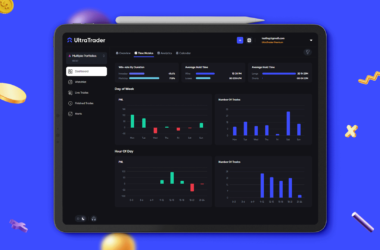



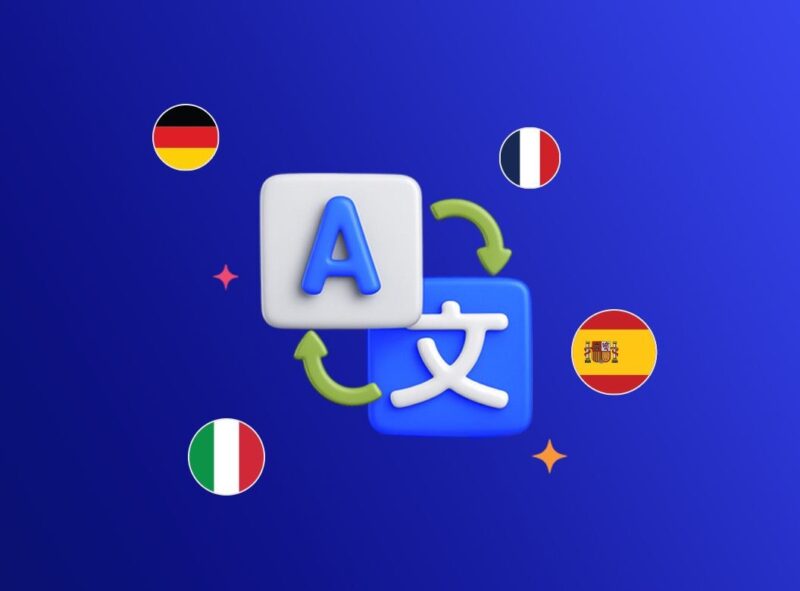
We know that when it comes to tracking your trading performance, clarity is everything. Reviewing setups, logging your daily P&L, and analyzing your portfolio requires a journaling tool you can navigate effortlessly. There’s no better way to ensure that than by using an interface in your native language.
That is why we are thrilled to announce that UltraTrader is officially going multilingual!
Languages We Now Support
Whether you are tagging your best trades, analyzing your win rate, or diving into deep performance analytics, you can now experience the full power of the UltraTrader journal in:
- English
- German
- French
- Spanish
- Italian
- Russian
We are committed to making our automated journaling platform as accessible and user-friendly as possible for our global community of traders, and this is a massive step in that direction.
How to Change UltraTrader’s Dashboard Language
Switching the app to your preferred language is completely straightforward. You can update your interface in just a few seconds:
Step-by-Step Guide:
- Open your UltraTrader app or web dashboard.
- Navigate to the Menu.
- Click on Settings.
- Select Preferences.
- Choose your language of choice from the dropdown menu and save!
Your interface will instantly update to reflect your choice. Journal your trades smarter, analyze your data faster, and do it all in the language you are most comfortable with. Head into your settings and customize your UltraTrader experience today!
As always, if you have any questions, we’re just here. And as always, your feedback helps us to keep UltraTrader the best trading journal ever!